
How to Resize an Image for Online Forms and Passport Photos
“Photo must be 300×300 pixels.” “Signature: maximum 50 KB.” “Upload a passport-size photograph.” Online applications are full of these exact requirements — and your phone’s camera produces images ten times too big, in the wrong shape. The result: rejected uploads and wasted evenings.
Resizing is a two-minute fix once you know the two things every form cares about: dimensions (width × height in pixels) and file size.
Step 1: Find the required size
Read the form’s instructions carefully. Note the exact pixel dimensions (for example 300×300 or 600×800) and any file-size limit (for example “under 100 KB”). These numbers are your target — don’t guess.
Step 2: Set the dimensions
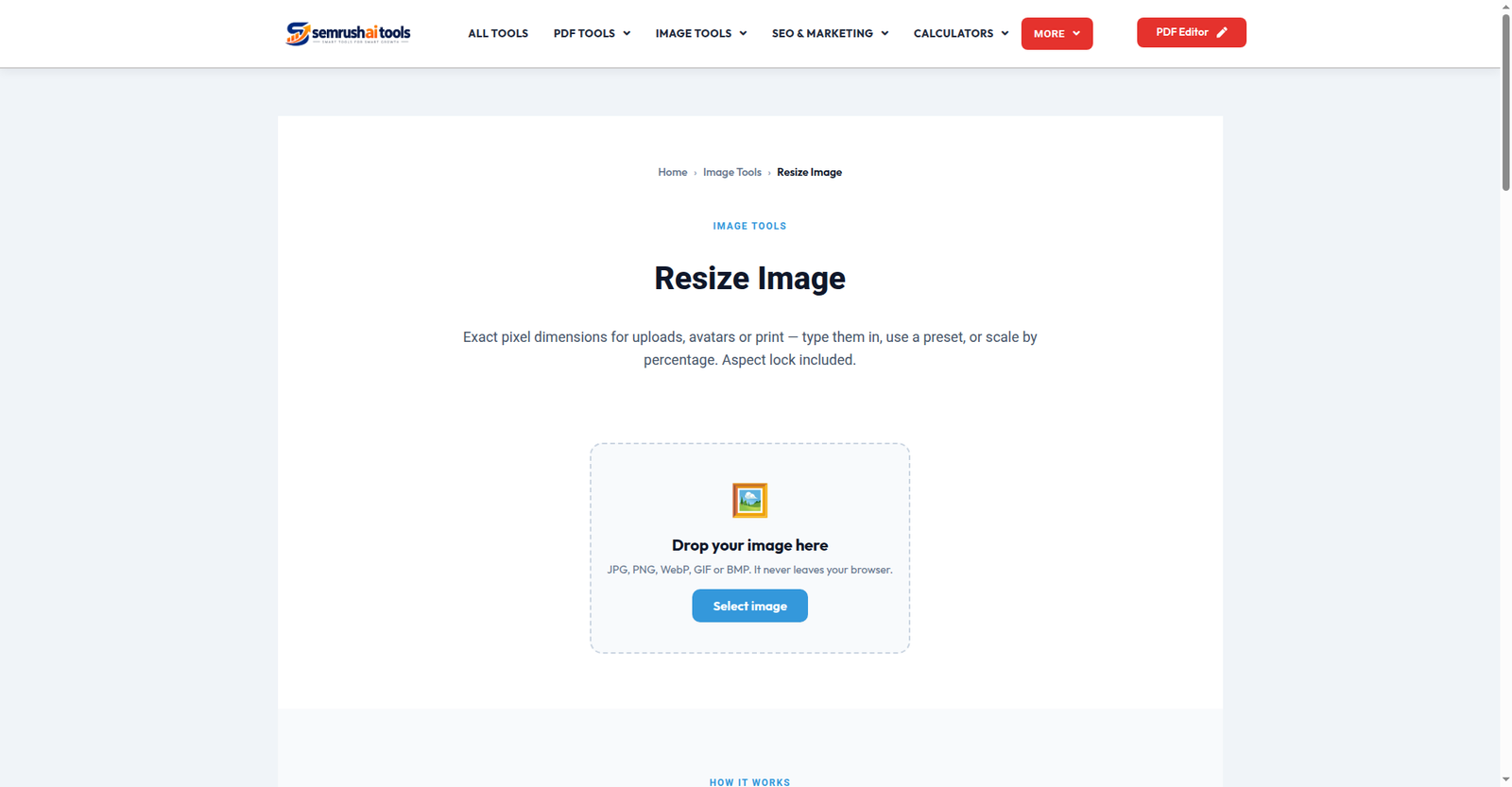
Open the Resize Image tool and upload your photo. Enter the exact width and height the form asks for. The tool shows a preview, so you can check that nothing important got cropped or squashed before you commit.
Step 3: Bring the file size down if needed
Right dimensions but still over the KB limit? Run the resized image through the Compress JPG tool (or Compress Image for other formats) to shrink the file size while keeping the dimensions exactly as the form wants.
Passport photo tips
- Background: plain white or light-colored wall works for most applications.
- Face framing: keep your face centered with some space above the head — the resize tool’s preview helps you check this.
- Don’t stretch. If your photo’s shape doesn’t match the required shape, crop it first with the Crop Image tool instead of squashing it — a stretched face gets rejected by strict systems.
- Save a master copy. Keep the original high-quality photo; make resized copies per application.
Frequently asked questions
Will resizing reduce quality? Making an image smaller loses no visible quality for on-screen forms. Avoid enlarging small images — that does blur them.
Which format should I save? JPG for photos (smallest size), PNG only if the form demands it.
Can I do this on my phone? Yes — the whole process works in a mobile browser, no app needed.
Two minutes, exact dimensions, accepted upload. Resize your image now — free, no sign-up.
Related: Compress JPG · Crop Image · Image Format Converter