
How to Edit a PDF on Your Phone Without Any App
Someone sends you a PDF with a wrong date. The application form has your name spelled incorrectly. The invoice total needs one digit changed. Until recently, fixing something like this on a phone meant downloading a heavy app, creating an account, and often paying just to remove a watermark.
There is a faster way: a browser-based PDF editor that runs entirely on your device. This guide walks through it step by step.
What you need
- Any phone (Android or iPhone) with a browser like Chrome or Safari
- The PDF file saved on your phone
- Two minutes
Step 1: Open the editor
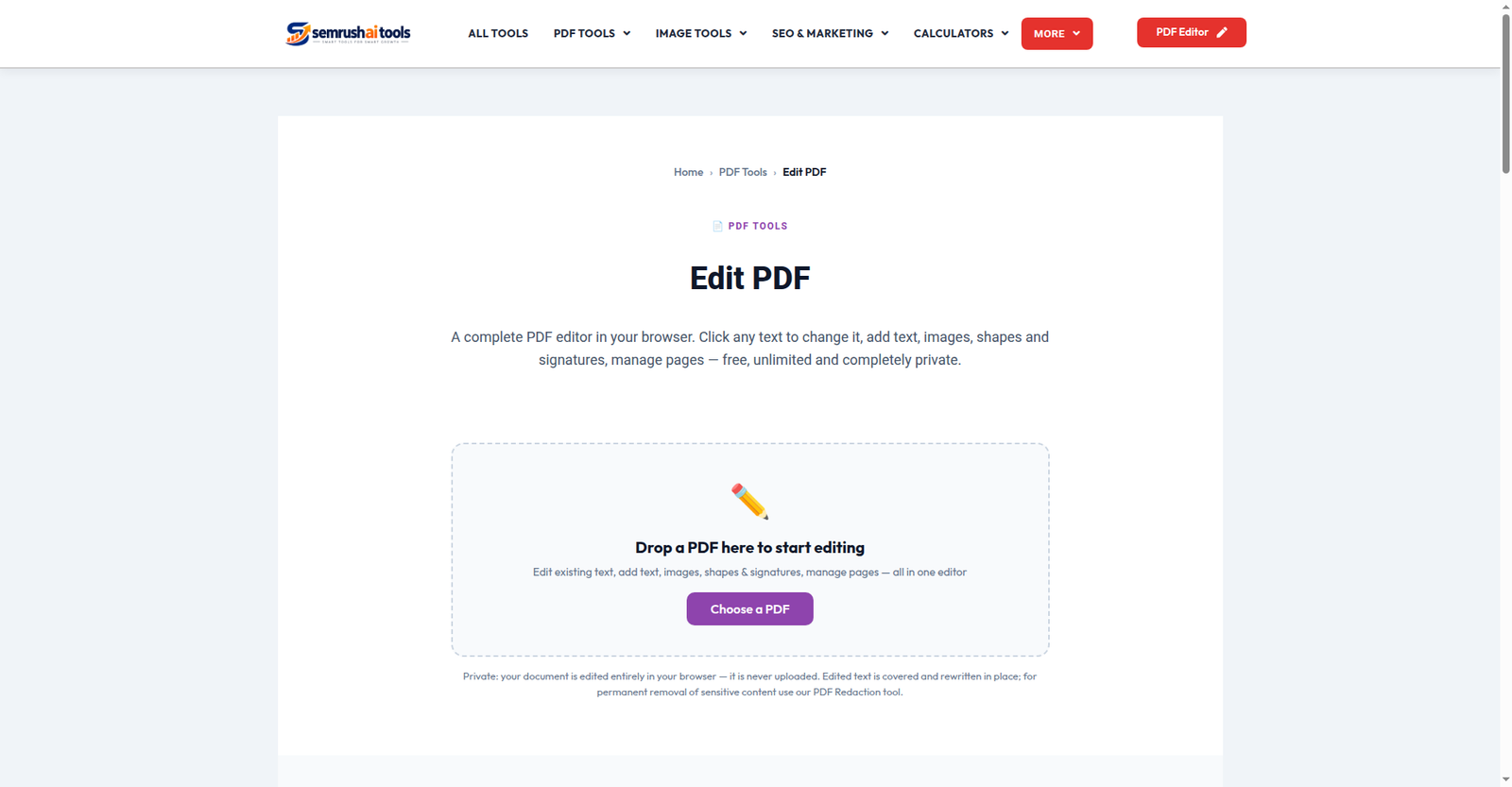
Go to the Edit PDF tool in your browser. There is nothing to install and no account to create. Tap Choose a PDF and pick your file. Every page appears on screen as an editable canvas.
One important detail: your file is never uploaded. The editing happens inside your browser, so private documents — IDs, certificates, contracts — stay on your phone.
Step 2: Tap the text you want to change
Switch to the Edit Text mode in the toolbar. Text lines on the page become tappable. Tap the line you want to fix, and an editor opens with the exact text. Retype it and confirm — the old line is covered and your new text takes its place, at the same size.
You can also:
- Add new text anywhere with the Text tool (tap once to place, tap again to re-edit)
- Add an image or your signature — draw it, type it, or upload a photo of it
- White out a section, highlight lines, or draw shapes
- Rotate, duplicate or delete pages from the header above each page
Step 3: Save and share
Tap Save & Download. Your edited PDF is built on the device and downloads instantly, ready to send by email, WhatsApp or any app. If you close the tab by accident, don’t worry — the editor auto-saves a draft in your browser and offers to restore it when you return.
When this works — and when it doesn’t
This works on PDFs that contain real text: documents made in Word, Google Docs, or generated by software. If your PDF is a scanned image (a photo of paper), there is no text layer to tap. In that case, use the editor’s OCR Page button — it reads the page and places the recognized text on it as editable boxes.
Frequently asked questions
Is it really free? Yes. No task limits, no page caps, no watermark on the result.
Will the new text match the original font? The editor matches the size and offers close standard fonts (plus a Bengali font). Slight differences from unusual original fonts are possible.
Is my document private? Completely. Nothing leaves your device — there is no server copy of your file.
The bottom line
For quick fixes — a date, a name, a signature, a missing line — you no longer need an app or a computer. Open the free PDF editor, tap the text, fix it, download. Done.
Related: Merge PDF · Sign PDF · Organize PDF